






Already on Google Maps? Take control of your listing. AI instantly builds a store from it.
No credit card. No hidden fees. Start free, stay free.
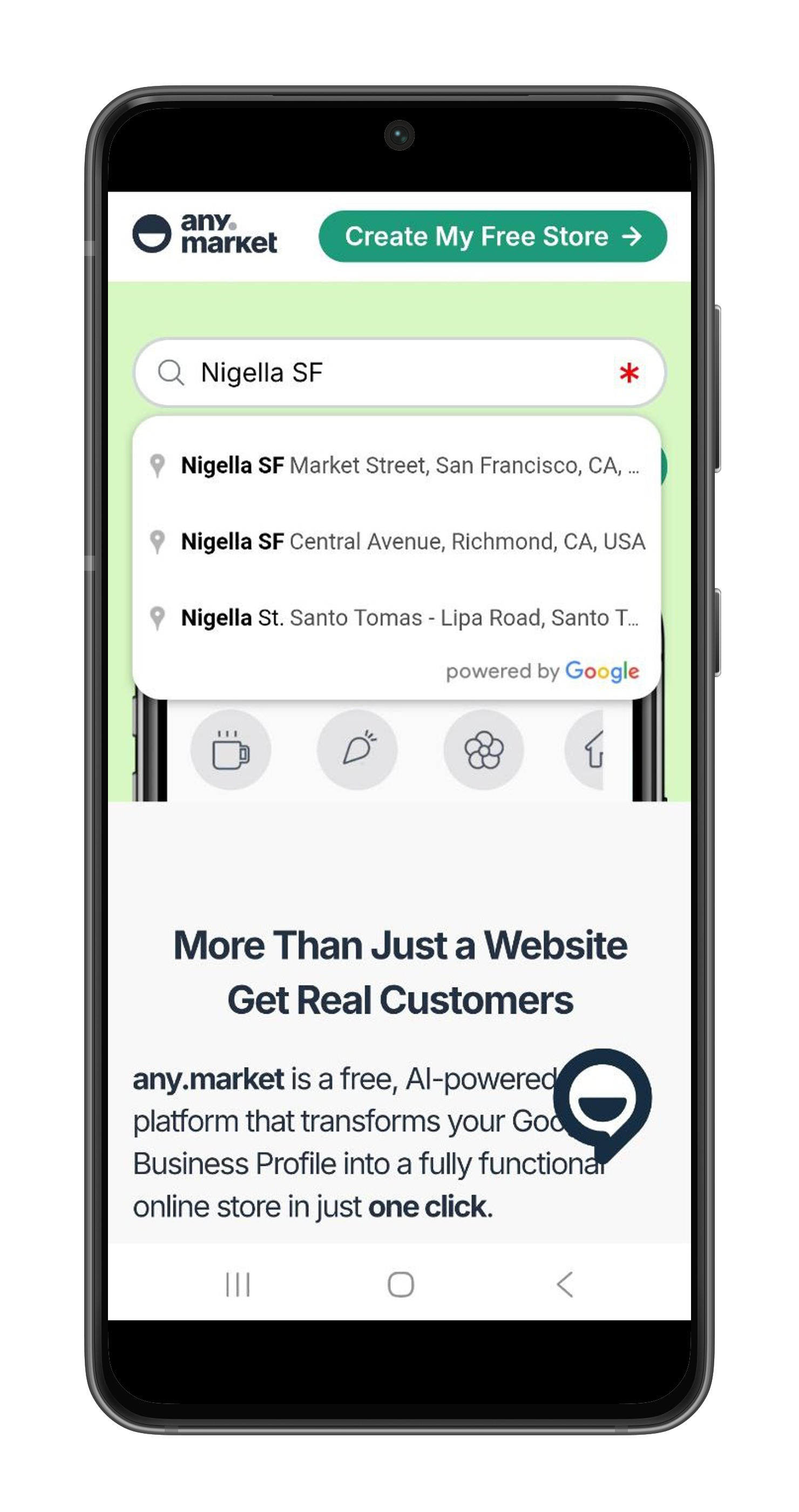
Type your business name. Select the matching result from Google Maps.
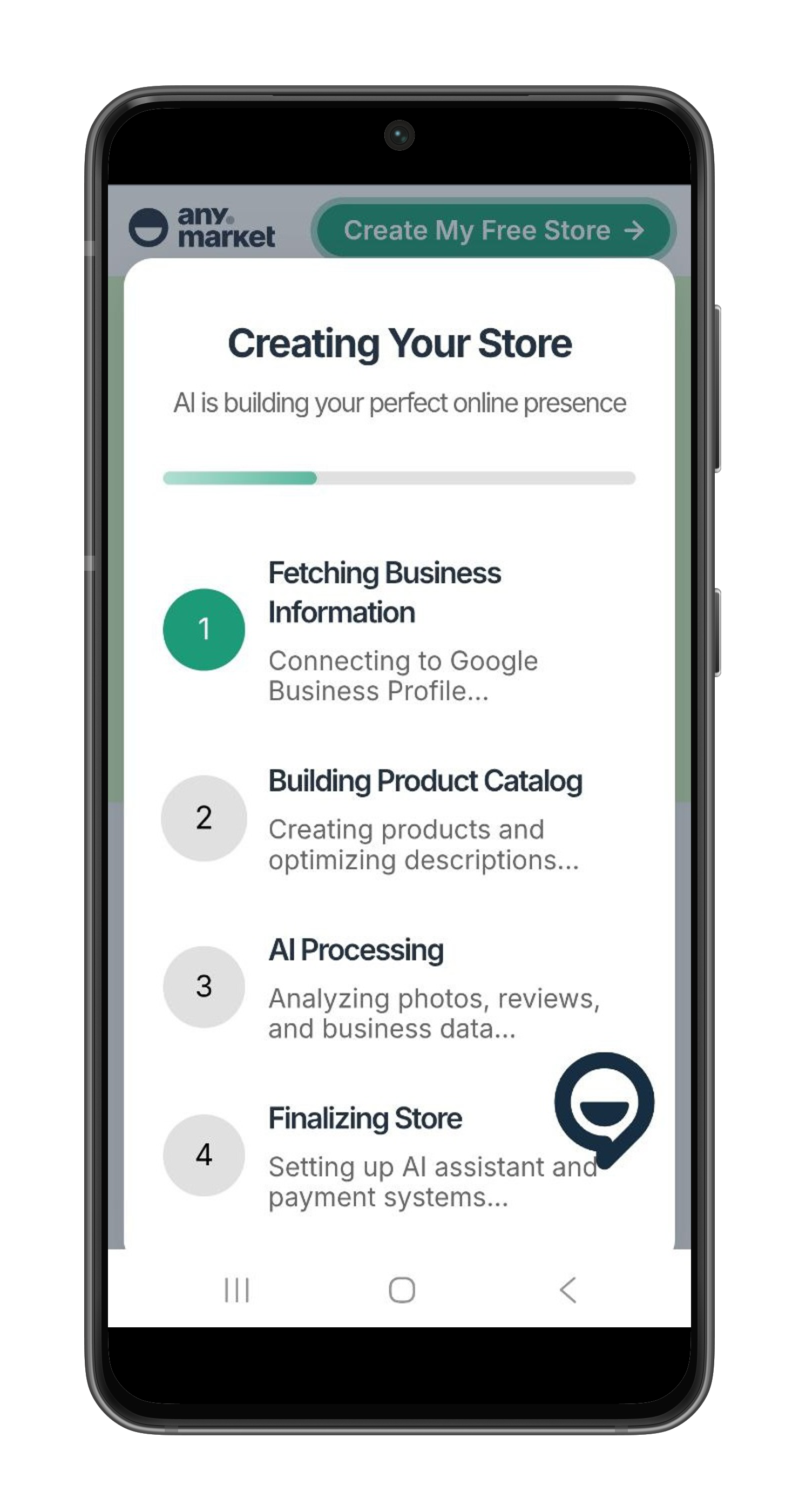
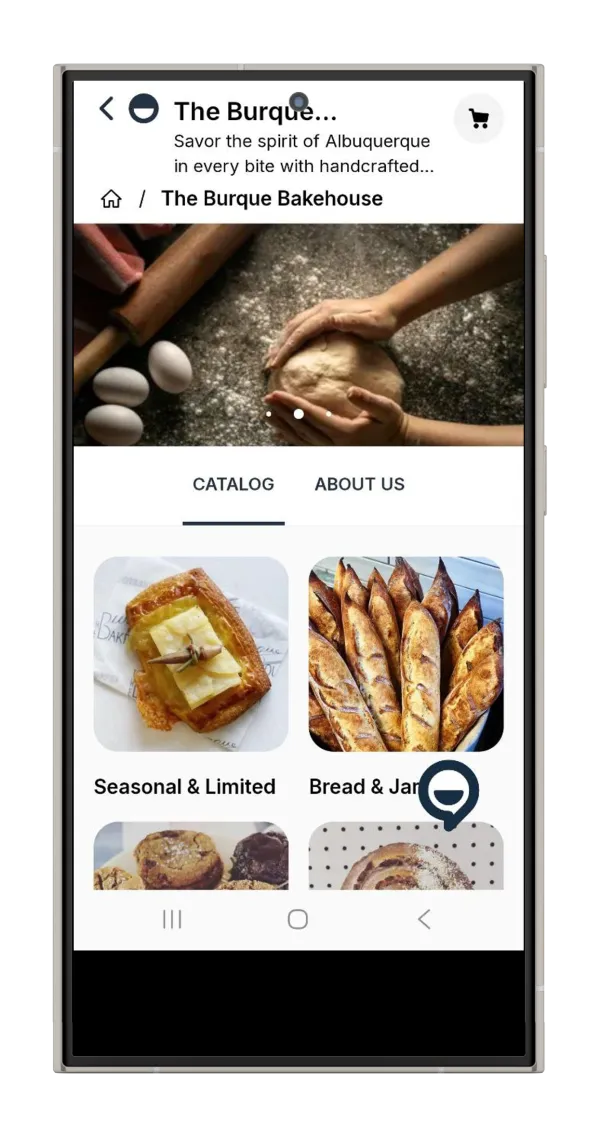
AI pulls your photos, reviews, hours, and contact info. Creates a professional online store automatically. No forms to fill.
Connect your Google account to become the verified owner. Your listing + store go live.
🚀 Stop losing customers to bad info. Claim your listing and take control.
No credit card. No hidden fees. Start free, stay free. Upgrade only if you want extras.
U.S. E-commerce Sales in Billions. Claim your share with an AI store.
Source: eMarketer Retail Data
Enter your business name on this page. Select the matching result and connect your Google account. You'll become the verified owner and can update your hours, photos, and business info.
Yes. Claiming through any.market is completely free — no credit card, no hidden fees. You also get a free online store. Paid plans are available for extras like a custom domain, but the core profile and store are free forever.
Your listing stays on Google Maps, but anyone can suggest edits — wrong hours, outdated photos, incorrect contact info. Without a verified owner, Google may accept these suggestions. Claiming gives you control.
The claim process takes minutes. Google's verification can take a few days depending on the method — phone, email, or postcard. Once verified, you have full control.
This page is for businesses already on Google Maps. To create a new listing, visit Get on Google Maps.
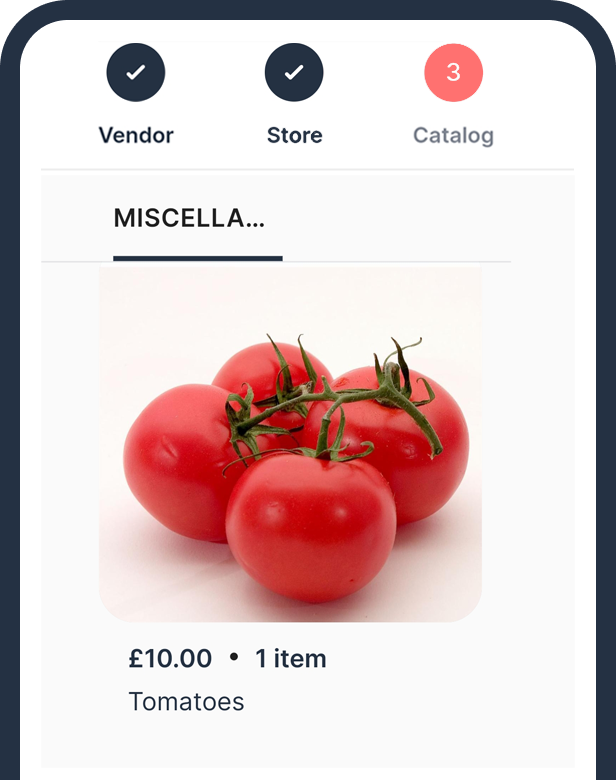
Customers want to see what you offer before they visit. An online store lets them browse your products and services, check prices, and decide to come in. AI builds it automatically from your Google data, included free.