






Loading…
Still working — a few more seconds…
AI builds your Google Business Profile, a website that sells, and a 24/7 sales assistant — in minutes. One-time $97.
Profile built & your page live — or full refund
Google makes it complicated — multiple screens, write your own description, pick categories, upload photos one by one.
With any.market, you just enter your basic business info. AI creates your Google Business Profile, writes your description, picks the right categories, and organizes your photos.
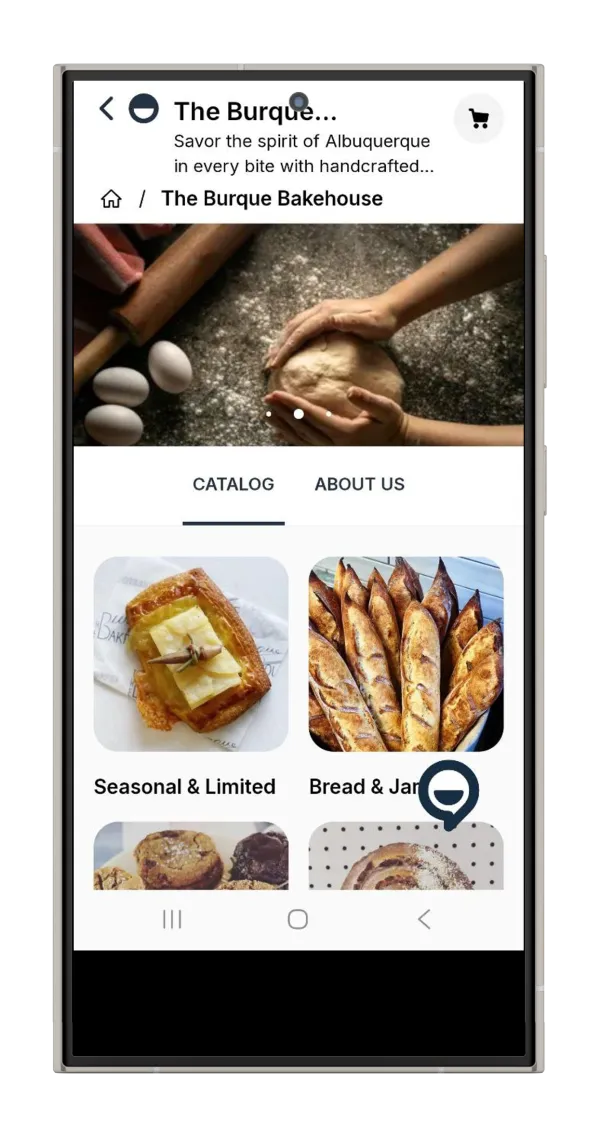
You also get a real website — not just a listing. Google leans on it to confirm you're a real business, treats it as a ranking signal, and your customers can browse and buy from day one. And a 24/7 AI sales assistant answers customer questions and takes orders around the clock — something a listing alone never will.
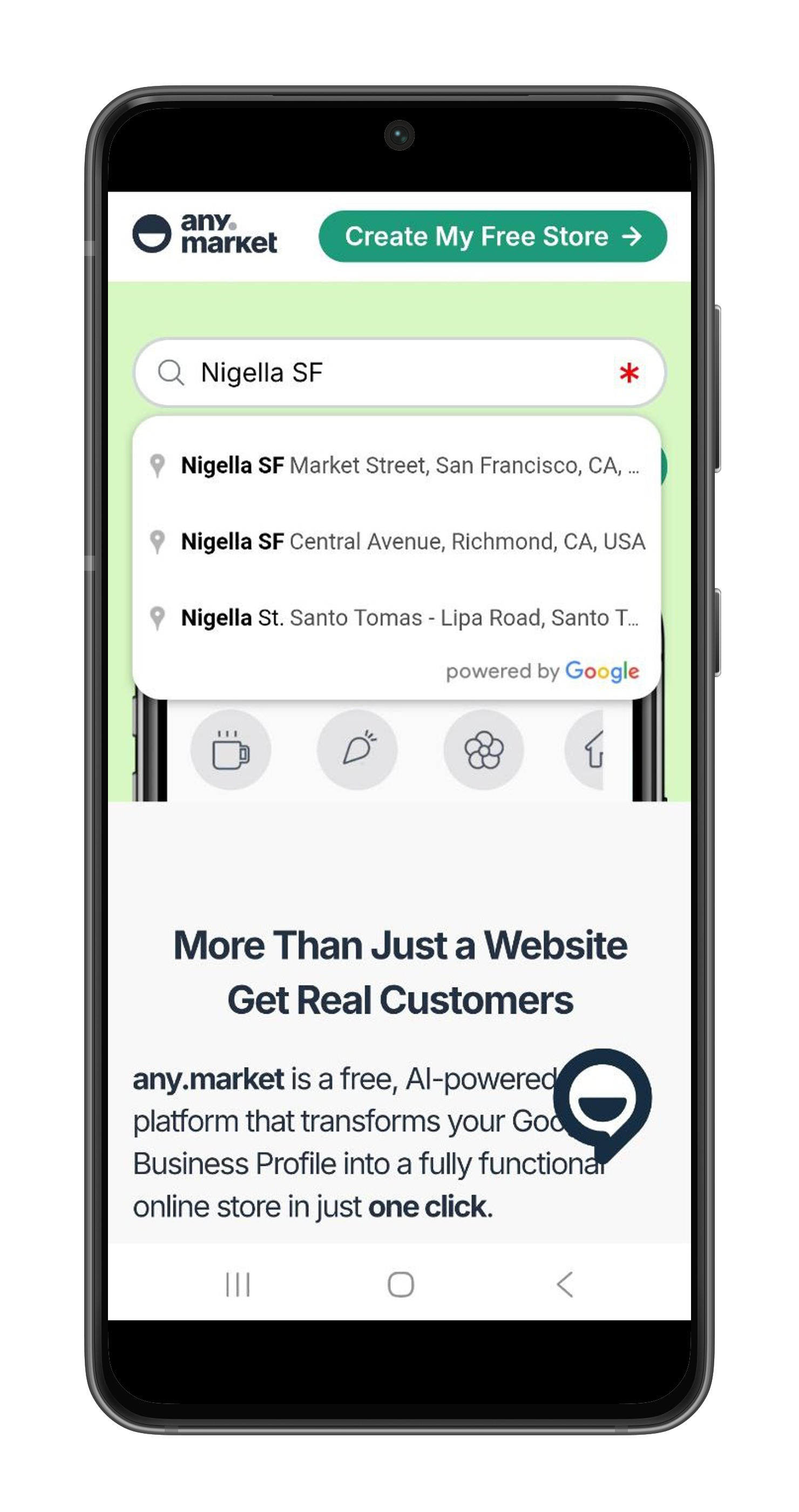
Type your business name. If you're already on Google Maps, select your listing to claim it. Starting fresh? Just fill in the basics — name, address, category.
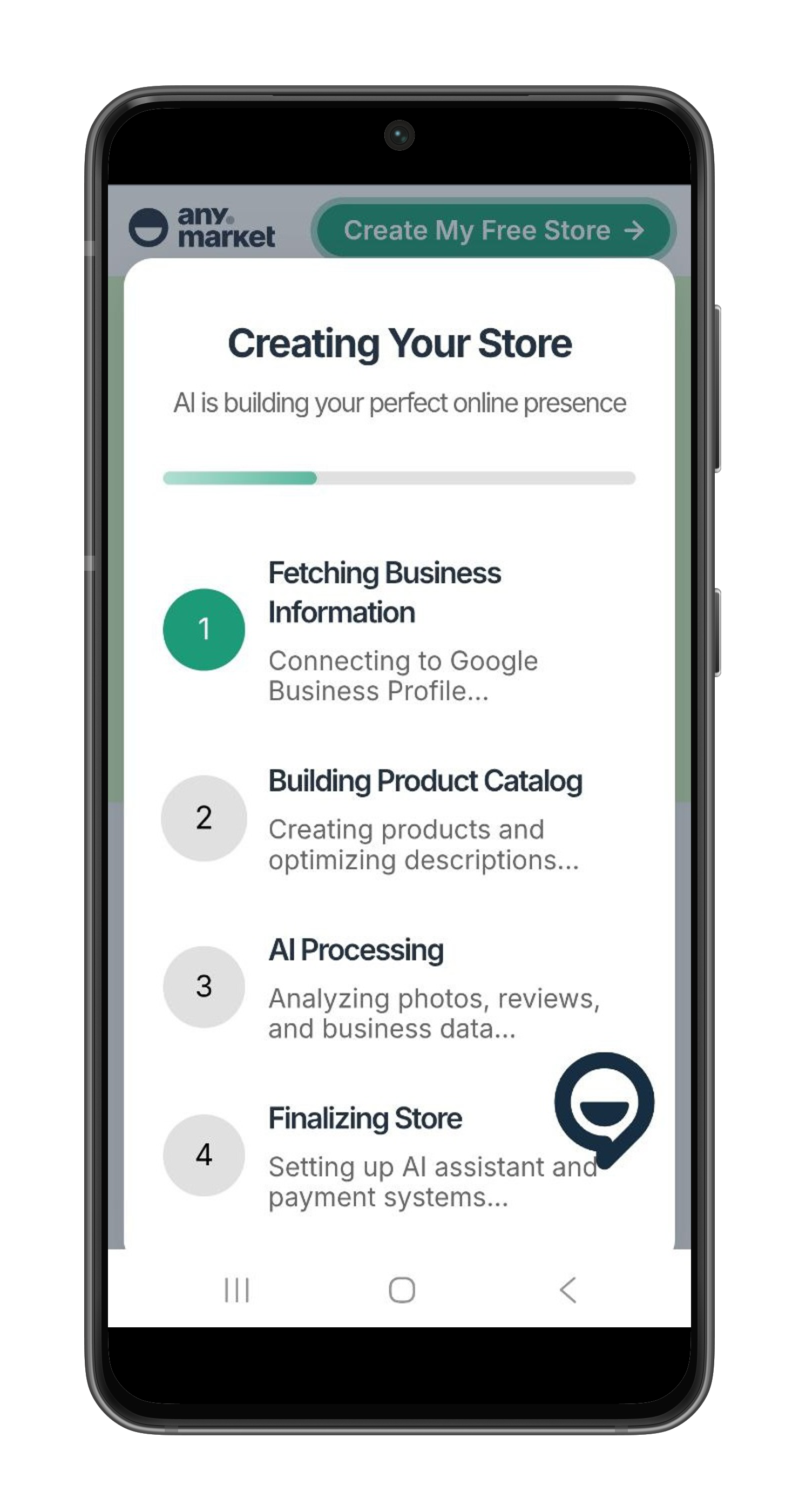
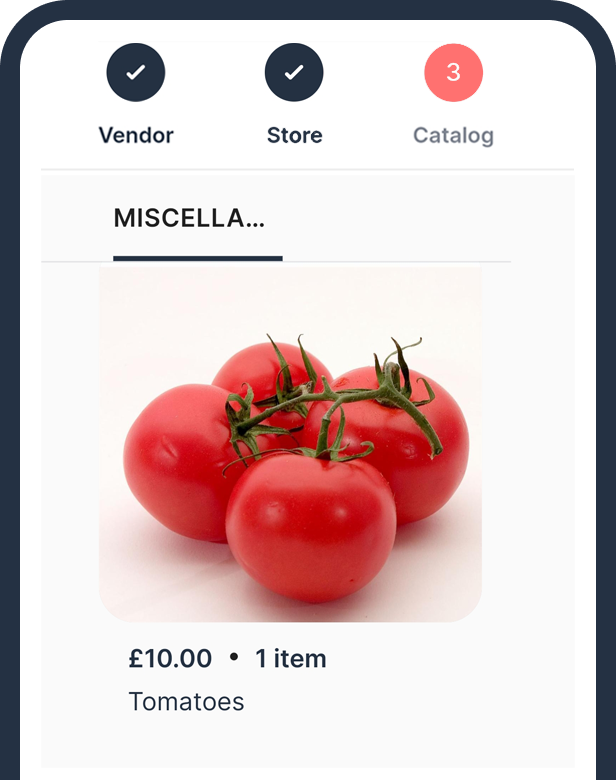
AI writes your description, picks the right categories, and sets up your profile with hours, photos, and contact info — plus a simple online store and a 24/7 AI sales assistant. No forms to fill, no copy to write. Everything AI writes is a starting point — you can change any of it, anytime, and publish instantly.
We build & submit your profile and your page goes live the same day. We guide verification until you're on the map — customers searching nearby can find you and see what you offer.
🚀 Stop being invisible. Get on Google and let customers find you.
Real businesses, really on the map — here are a few of them
U.S. E-commerce Sales in Billions. Claim your share with an AI store.
Source: eMarketer Retail Data
Google doesn't charge for the listing. You're paying $97 for us to build it right — compliant categories, photos, description, a live page in the website field, and a 24/7 AI assistant — instead of spending your evenings on it and risking a failed verification.
It's what your Google listing's website field points to — a field Google reads as a ranking input and uses to confirm your business is real, so a matched website can help you rank and smooth verification. It goes live the moment you pay and takes orders from day one.
Everything. Products, prices, photos, description, hours — you edit them in your dashboard and publish instantly, as many times as you want. AI builds the first version in minutes; from then on it's yours to shape.
Enter your business name on this page. If it already exists on Google Maps, select it to claim your listing. If it's new, we create it. AI builds your profile with a description, hours, photos, and the right categories — all in minutes.
Yes — one-time $97. You own your profile, your website, your store, and your 24/7 assistant. A custom domain is optional and priced at cost if you ever want one.
We build it to Google's guidelines and guide you through whatever verification Google asks for. If your listing will not undergo Google verification, you get a full refund.
Your website and store go live in minutes. Your Maps listing appears as soon as Google verifies it — often minutes by phone or text, or a day or two if Google requests a video.
You do. You sign in with your own Google account, so the profile is created under you — never held by us. The profile, the website, and everything on it are yours to keep. And yours to change — edit products, prices, photos, or the description and publish instantly, whenever you want.